

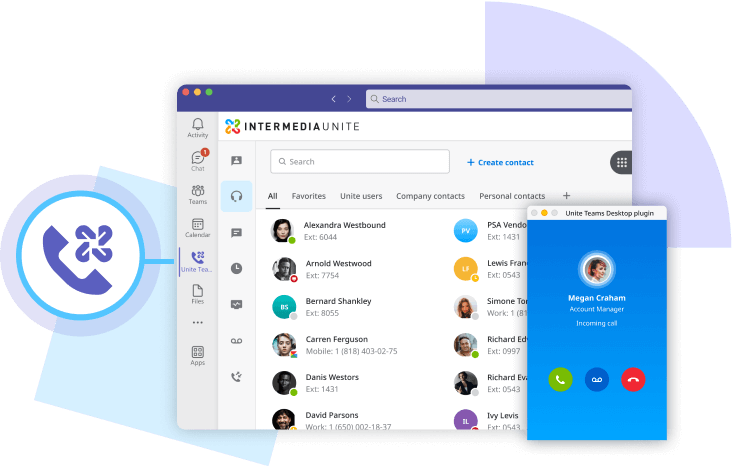
Intermedia phone and SMS functionality, contact center capabilities, and advanced archiving all integrated with Microsoft Teams for a seamless, embedded experience.
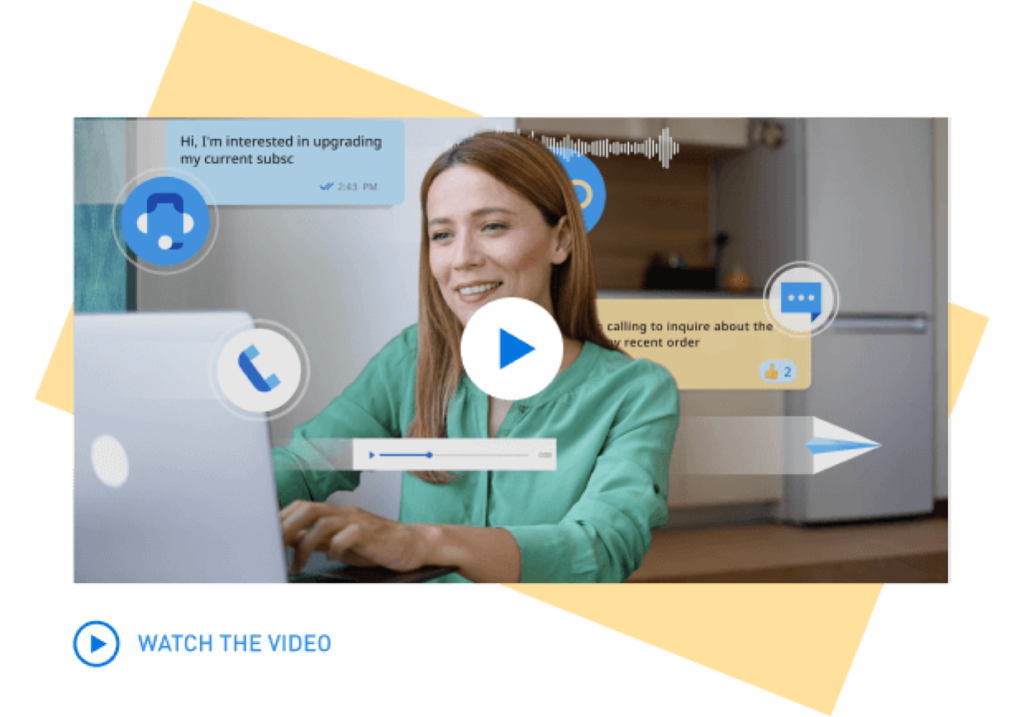
Unite for Teams is designed to transform how you communicate and collaborate. If your business relies on Microsoft Teams for collaboration (chat, meetings, files), this integration is the perfect solution to enhance your efficiency, streamline your operations, and boost productivity—all within the familiar Teams app.
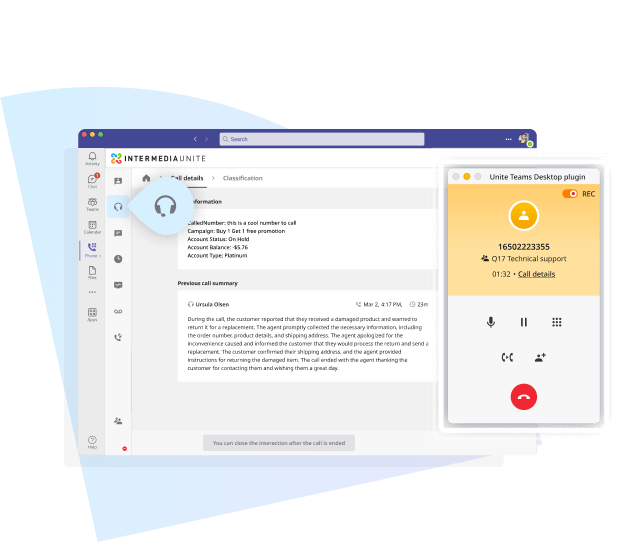
Intermedia integrates an AI-powered Contact Center directly into Microsoft Teams, eliminating the need for an extra Teams Phone license and consolidating communication to eliminate productivity gaps. Businesses can deploy Contact Center either alongside Intermedia Unite for a fully embedded experience, or as a standalone solution within Teams, offering flexible options to enhance customer service.

Chat/Instant Messaging
Video Meetings
File Sharing & Cloud Storage
Enterprise PBX (100+ Calling Features)
Unlimited Calling (Domestic + 33 countries)
Archiving for Teams and Communications Data (Retention options up to 10 years)
Call Monitor, Barge, Whisper
Unite Mobile App
Advanced Hunt Groups
3rd Party Integrations (Salesforce, ServiceNow, NetSuite, and more)
Dashboard & Reports
Advanced Reporting and Analytics
Omnichannel Support (Voice, SMS, Chat, Email)
Intelligent Call Routing
Call Queuing
Customer Self-Service Tools
Interactive Voice Response (IVR)
Interactive Voice Response (IVR)
Outbound Customer Engagement (Voice, SMS, Email)
AI Interaction Summary
AI Interaction Summary
AI Sentiment Analysis
AI Sentiment Analysis
Real-Time Agent Management
AI Workforce Engagement
AI Quality Management
Post-Call Survey
✓
✓
✓
–
–
–
–
–
–
–
–
–
–
–
–
–
–
–
–
–
–
–
–
–
–
–
–
–
–
–
–
✓
✓
✓
✓
✓
✓
✓
✓
–
–
–
–
–
–
–
–
–
–
–
–
–
–
–
–
–
–
–
–
–
✓
✓
✓
✓
✓
✓
✓
✓
–
–
–
–
–
–
–
–
–
–
–
–
–
–
–
–
The Unite for Microsoft Teams Embedded solution is a powerful integration of Intermedia Unite’s cloud-based phone system with Microsoft Teams, providing a seamless communication and collaboration experience within a single platform. Collaboration features including chat, meetings, and file sharing are utilized in Teams, while communication features, such as advanced calling and SMS, are all handled via the Unite tab, all within the Teams app.
Both Unite for Teams Embedded and Unite for Teams Direct Routing deliver a fully integrated calling experience directly inside the Teams interface, including the Teams mobile and desktop apps. The Unite for Microsoft Teams Embedded solution does not require a Microsoft Teams Phone license and supports a comprehensive set of features including enterprise-grade calling, SMS messaging, Archiving and Contact Center. Embedded gives you more control, more value, and a simplified deployment experience. Direct Routing, by contrast, requires a Microsoft Teams Phone license and is configured through Microsoft’s own infrastructure, with calling accessed through the native Teams dialer.
No, the Unite for Teams Embedded solution provides advanced calling functionality directly within the Teams app without requiring a separate Microsoft Teams Phone license.
Unite seamlessly embeds advanced calling and SMS features directly within the Microsoft Teams interface via the Unite tab, allowing users to communicate without leaving Teams. In the event of Teams connectivity issues, Unite ensures business continuity by allowing users to continue placing and receiving calls through the Unite mobile or web app. This built-in redundancy keeps communication flowing, no matter where or how disruptions occur.
Key features include reliable, high-quality calls, advanced call center features (call queues, monitor, whisper, barge), business SMS, 30-days rolling Archiving, global connectivity, voicemail transcription, and CRM integrations. You may also add Contact Center which gives you access to AI-powered customer communication capabilities for an additional charge.
Yes, you can easily sync your presence status between Unite and Teams, ensuring an uninterrupted workflow and helping you stay focused throughout your day.
Unite for Teams Embedded boosts efficiency, streamlines workflows, and improves the customer experience — all while reducing costs by eliminating the need for a Teams Phone license. On mobile, users can place outbound business calls directly from the Microsoft Teams app using their work number, delivering a consistent and professional calling experience across devices. Personal numbers stay private, and the communication experience remains seamless, whether users are at their desk or on the move.
Yes, you can place business calls directly from the Teams mobile app using the Unite for Teams Embedded solution. To enable this, the Intermedia Unite mobile app must also be installed on your mobile device, as it supports the call connection behind the scenes. This allows users to place business calls using their work number while keeping their personal number private. SMS messaging is not currently supported in the Teams mobile app, but it is planned for a future update.
The Microsoft Teams Embedded solution supports integration with a wide range of third-party applications such as CRM systems, helpdesk software, and cloud storage services. Popular integrations include Salesforce, HubSpot, Zendesk, and Google Workspace, allowing for a fully connected ecosystem across business operations.
The Microsoft Teams Embedded solution supports integration with a wide range of third-party applications such as CRM systems, helpdesk software, and cloud storage services. Popular integrations include Salesforce, HubSpot, Zendesk, and Google Workspace, allowing for a fully connected ecosystem across business operations.
Absolutely! Microsoft Teams Embedded is designed to scale with your business. Whether you’re a small business or an enterprise, the system can grow as your needs evolve, supporting everything from adding new users to expanding features like call center capabilities or AI-powered analytics.
To get started, contact our sales team for a demo, and they will guide you through the setup process, ensuring a smooth integration with your existing Teams environment.
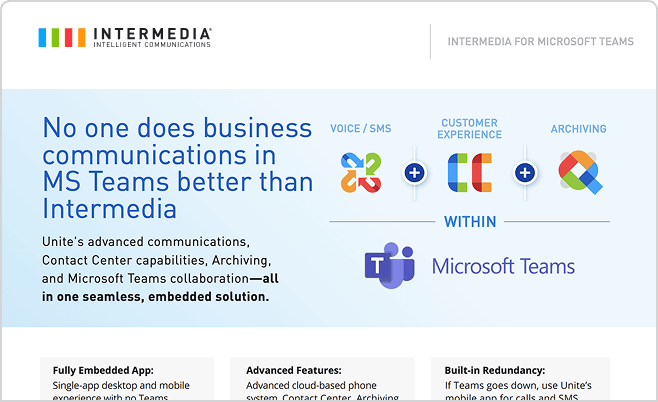
Contact us today to learn more about our services and how we can help your business.